







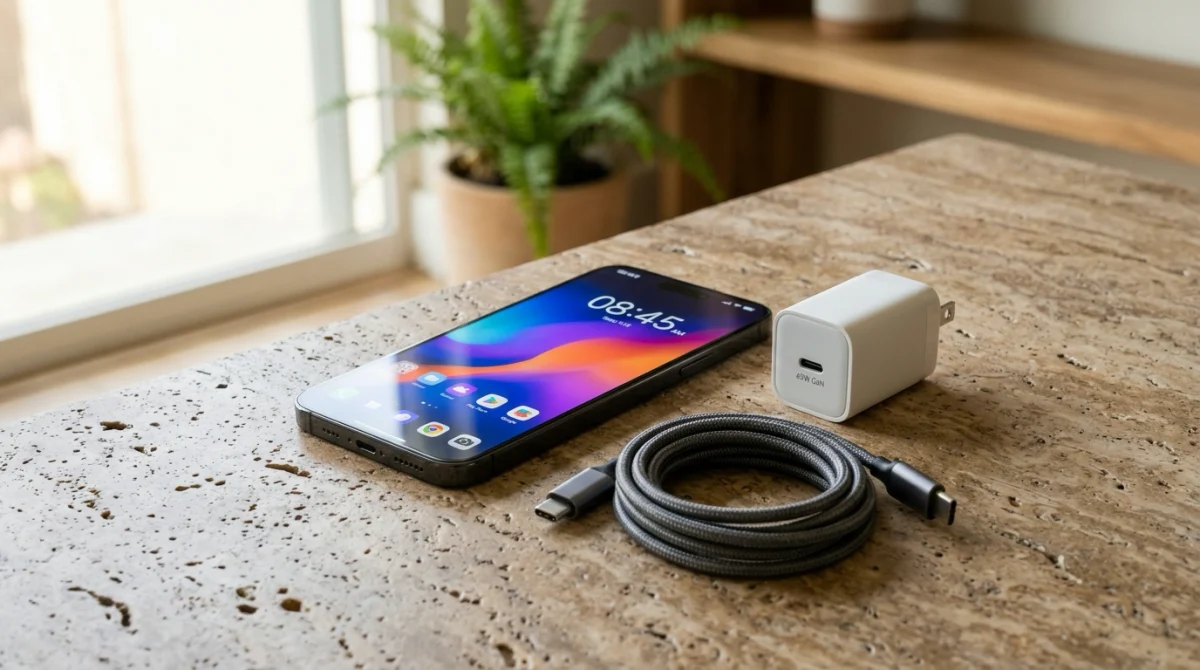
Walk into any phone counter along New Road or scroll late at night through smartphone listings on Kinzo, and you will notice two handsets sitting at almost identical prices while delivering wildly different experiences six months later. One still feels snappy while running map navigation, banking apps, and WhatsApp video calls in afternoon sunlight; the other dims down outdoors, stutters whenever storage fills past 70 percent, and leaves you hunting for an outlet by mid-afternoon. Most buyers focus almost entirely on megapixel numbers printed in bold marketing banners, yet the parts that decide daily frustration are screen brightness, sustained thermal headroom, storage speed, and whether your charger actually matches your phone’s fast-charge handshake.
When shopping online from multi-vendor storefronts like TechHive Store on Kinzo, comparing specs systematically protects you from overpaying for flash-sheet gimmicks while helping budget buyers figure out when stepping up one tier saves money over a two-year lifespan.
Key Takeaways
- Skip 4GB RAM if you keep phones over 18 months: Modern Android OS services, Nepali digital wallets, and dual-SIM messaging consume nearly 3GB at idle; 6GB to 8GB keeps app switching fluid.
- Panel type beats raw resolution outdoors: A 6.6-inch AMOLED screen hitting high peak nits stays readable under noon glare across Kathmandu and Pokhara, whereas dim HD+ LCDs force constant squinting.
- Separate charger wattage from battery capacity: Pairing a 5000mAh phone with a USB Power Delivery GaN adapter matters just as much as milliamp-hour size during frequent travel or load-balancing dips.
- Protect your frame on day one: Ordering a shockproof case and install-frame tempered glass alongside your phone avoids waiting days with an exposed screen.
Why Real-World Smartphone Needs in Nepal Differ From Spec Sheets
Global smartphone reviews often assume unlimited mobile data at gigabit speeds, air-conditioned offices, and hassle-free swap centers on every corner. Daily usage across Nepal introduces three practical variables that expose weak hardware very quickly.
First is outdoor legibility and heat management. Commuting across Ring Road, navigating steep lanes in Lalitpur, or scanning delivery QR codes outside shops means stepping straight into harsh midday sun. Panels rated for modest indoor brightness look washed out, prompting adaptive brightness sliders to stay locked at 100 percent. Pushing a dim LCD backlight to max continuously drains battery faster and warms the rear chassis while riding in pockets.
Second is patchy tower handoffs and battery strain. Moving between strong downtown LTE/5G cells and weaker suburban or highway towers forces a phone’s modem to boost transmission power silently in the background. Phones built around efficient mid-range chipsets and 5000mAh cells weather a full workday from 7 AM to 9 PM cleanly; smaller 4000mAh batteries paired with older power-hungry silicon often drop below 15 percent right before evening transit.
RAM, Storage Headroom, and Multi-App Life
Budget models such as the Vantix Spark Lite 4G with 4GB RAM and 64GB storage serve a clear purpose: secondary work lines, student call devices, or elder family members who primarily rely on voice calls, Viber, YouTube, and light browsing. At an accessible price point, keeping background tabs lean works fine. Trouble starts when a primary phone user installs offline maps, Ride-hailing apps, social reels, 20,000 gallery photos, and multiple banking tools inside 64GB. Once flash memory drops under 10GB free, system updates stall and background cache compaction slows app launches to a crawl.
Stepping up to the 8GB RAM and 128GB class—seen in models like the Aurelle Nova 5G Smartphone—removes that bottleneck. Extra RAM holds your messaging threads, browser tabs, and camera viewfinder resident without constant reloads, while 128GB preserves enough headroom for three years of software patches and festival photos before you ever touch a microSD card.
Display Technology: AMOLED Contrast vs Practical HD+ Panels
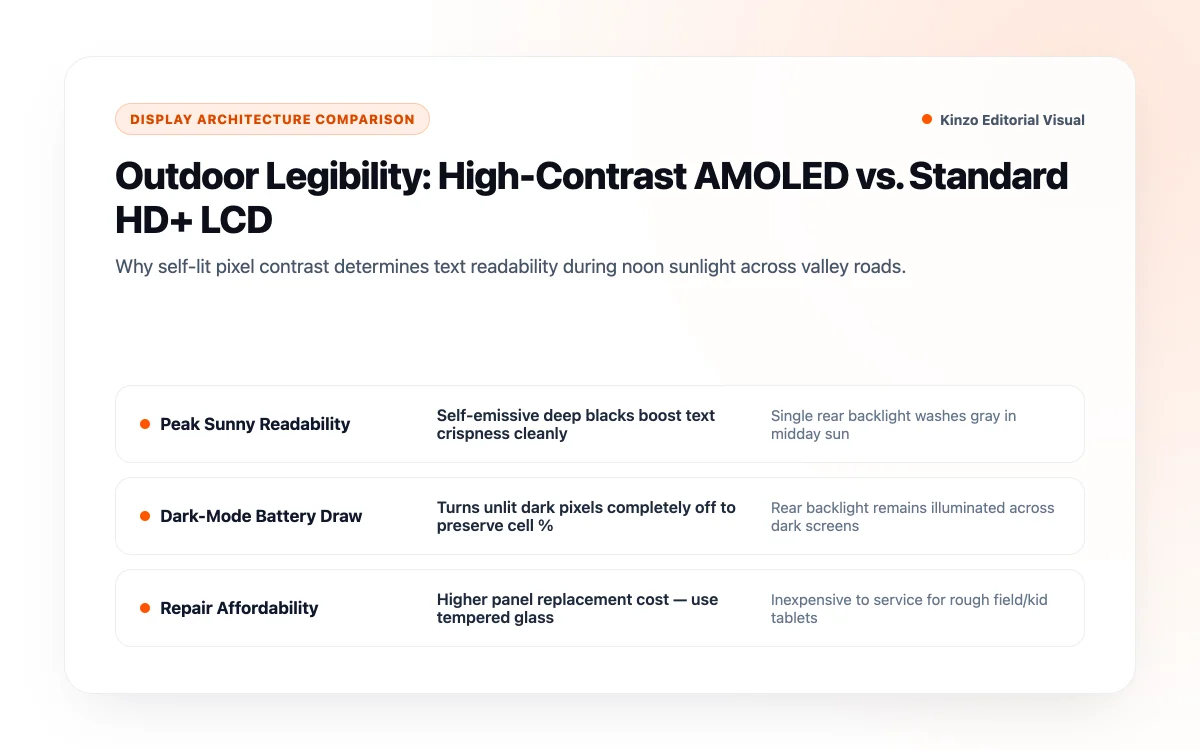
Shoppers often compare screen diagonal inches first—6.5 inches versus 6.6 inches looks tiny on paper—yet panel technology completely alters how crisp text and video look. An AMOLED screen lights individual pixels cleanly, shutting pixels off completely for true blacks. Not only does reading long articles at night feel gentler on the eyes, dark-mode interfaces actively trim power consumption on AMOLED devices.
By contrast, entry-level HD+ LCD panels rely on a single rear LED backlight behind the whole glass layer. They cost far less to repair if accidentally dropped without armor glass, which makes them sensible for rough industrial work sites or kids’ study tablets. However, lower pixel density softens small font edges, and off-axis viewing shifts slightly gray.
Refresh Rates Worth Paying For
Moving from standard 60Hz scrolling to a 90Hz or 120Hz panel changes tactile responsiveness more than almost any processor spec bump for everyday scrolling. Even better, modern adaptive refresh controllers drop down to 60Hz while you hold still reading an article and ramp back up only while swiping feeds—giving smoother motion without chewing through battery reserves.
Smartphone Tiers Compared: Entry 4G vs Mid-Range 5G vs Tablet Companion
Before clicking checkout on Kinzo, mapping your primary daily workload against the three mainstream mobile tiers available from verified sellers saves both money and buyer remorse.
| Decision Factor | Entry 4G Class (e.g., Vantix Spark Lite 4G) | Mainstream 5G AMOLED (e.g., Aurelle Nova 5G) | Large-Screen Tablet Add-on (e.g., Aurelle Orbit Tab 11) |
|---|---|---|---|
| Memory & Storage | 4GB RAM / 64GB storage | 8GB RAM / 128GB storage | 6GB RAM / 128GB storage |
| Display Experience | 6.5" HD+ LCD — indoor clarity, budget replacement | 6.6" AMOLED — deep contrast & outdoor legibility | 11" 2K display — split-screen PDFs & media |
| Battery & Portability | 5000mAh — multi-day standby for calls | 5000mAh — full heavy workday endurance | All-day couch/desk study sessions (Wi-Fi + 4G) |
| Typical Best Buyer | First-time smartphone users, parents, backup line | Primary daily driver for work, social & photos | Students, field engineers & evening media viewers |
| Upgrade Window | 1.5 to 2 years comfortable use | 3+ years smooth software & app headroom | 3 to 4 years alongside your phone |
Charging Protocols, GaN Adapters, and Power Bank Math
A subtle shift over the past three buying cycles catches many online shoppers off guard: slim retail boxes increasingly omit high-wattage wall bricks or ship only a basic short USB cable. Plugging a modern 5000mAh battery into a dusty 10W adapter from 2019 turns an expected 45-minute top-up into a three-hour tether next to the wall.
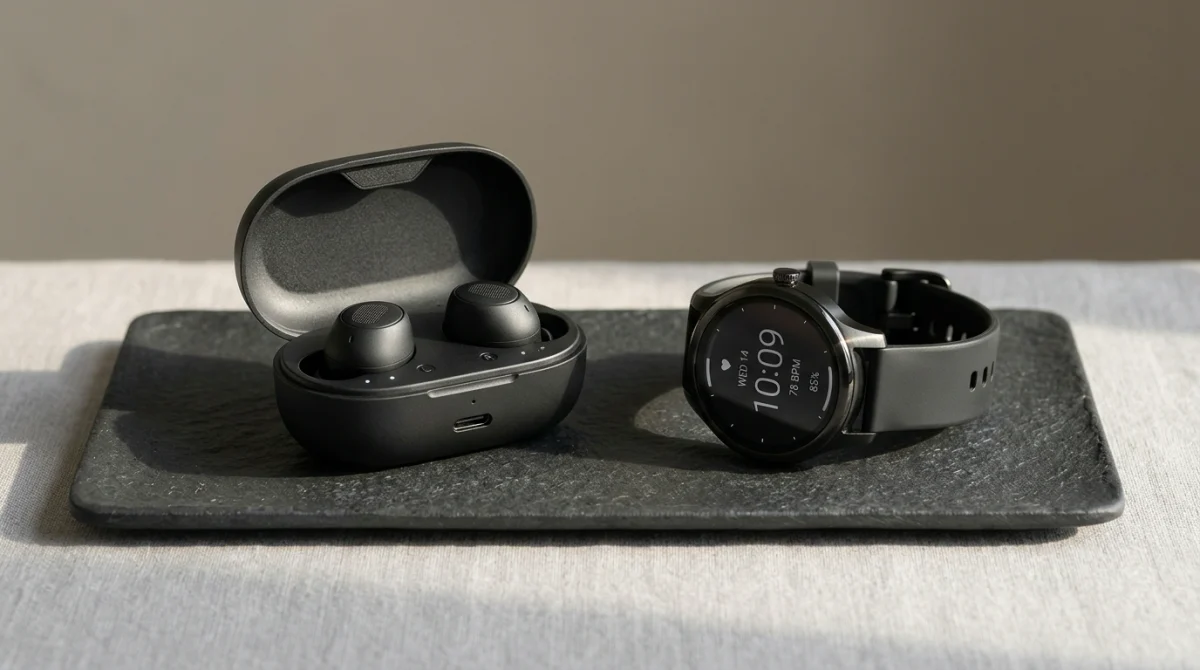
Looking closely at USB Power Delivery (USB-C PD) solves this cleanly across every gadget in your bag. Compact Gallium Nitride (GaN) chargers such as the Zentora GaN Duo 65W pack two USB-C ports and an auxiliary USB-A slot inside a block small enough to vanish into a jacket pocket. Instead of carrying separate bricks for your phone, ANC earbuds, smartwatch, and even an ultrabook, one regulated GaN wall unit intelligently negotiates safe voltage with each attached device.
Choosing a Travel-Safe Power Bank
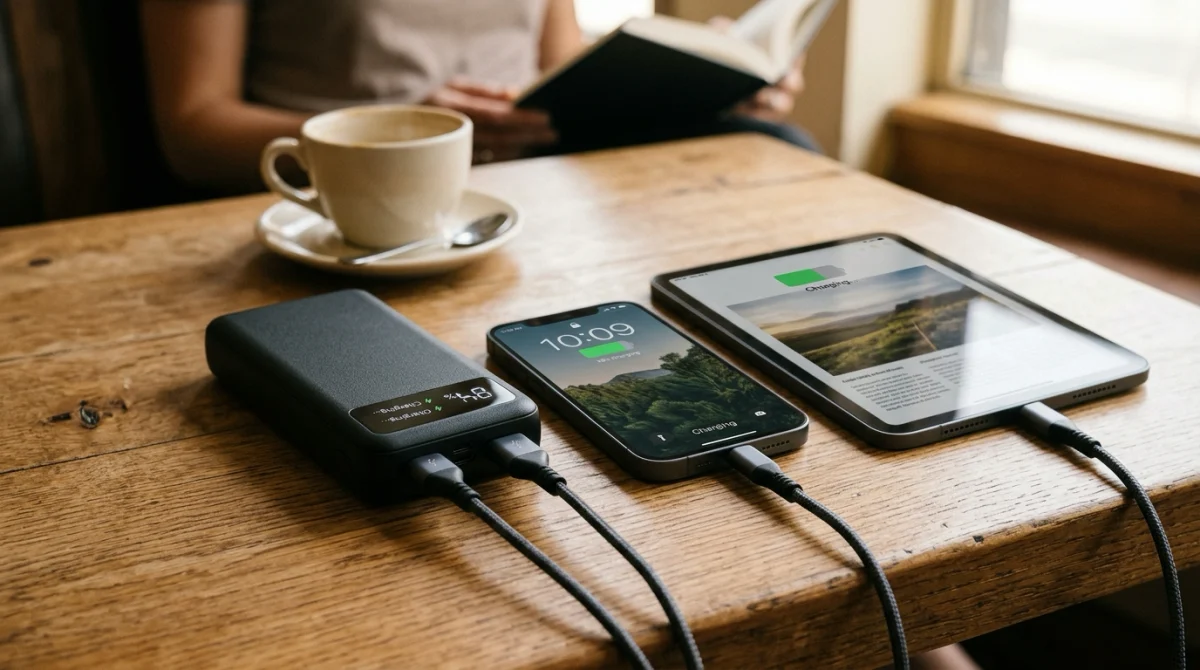
For inter-city highway buses between Kathmandu, Pokhara, and Biratnagar—or field site inspections far from grid power—a 20,000mAh power bank rated with 65W USB-C PD bidirectional output (such as the Zentora VoltCell 20000mAh) delivers far more real utility than bulky low-wattage bricks. Higher PD output refills your power bank twice as fast overnight while keeping voltage steady enough to rescue laptops and tablets in a pinch. Remember practical efficiency math: due to voltage step-up conversion loss, a 20,000mAh cell typically delivers roughly 12,500mAh to 13,500mAh into connected 5000mAh phones—still comfortably achieving two and a half full charges without touching an outlet.
Camera Sensors, Storage Cards, and Day-One Protection
Rather than chasing inflated 108MP marketing stamps on entry sensors, inspect three quieter camera traits: Optical Image Stabilization (OIS) on the main lens, clean dynamic range in evening street lamps, and dependable autofocus lock on moving subjects. Even a modest resolution sensor with solid stabilization captures sharper family portraits inside dim rooms than an unstabilized high-megapixel lens that blurs with every hand tremor.
Protect Your Device Before Taking It Outside
Adding three low-cost accessories inside the same Kinzo cart avoids early accidents that wipe out budget savings:
- Raised-bezel rugged casing: Something structured like the Nimbo ArmorShell keeps camera glass and corners slightly elevated off café tables and concrete stairs.
- Tempered glass with alignment frame: Kits such as Nimbo ClearGuard (2-pack with install tray) prevent dust bubbles and misalignment at home, costing a fraction of mall kiosk markup.
- Expandable microSDXC for photo archives: If your handset supports a tray slot, moving 4K clips and offline playlists onto a UHS-I U3 V30 card (like Korvex ProShot 256GB) stops internal OS storage from choking.
Key Facts at a Glance
Bottom Line & Summary
If you are replacing a worn device for everyday work, mobile wallets, photography, and three years of reliability, focus your budget on an 8GB/128GB 5G smartphone with an AMOLED screen and 5000mAh cell, rather than stretching toward flashy camera numbers on cramped 64GB hardware. Keep entry 4G handsets dedicated to calls, kids, or backup numbers, and bundle a certified GaN charger and screen glass in the exact same order so your phone hits full speed safely from hour one.